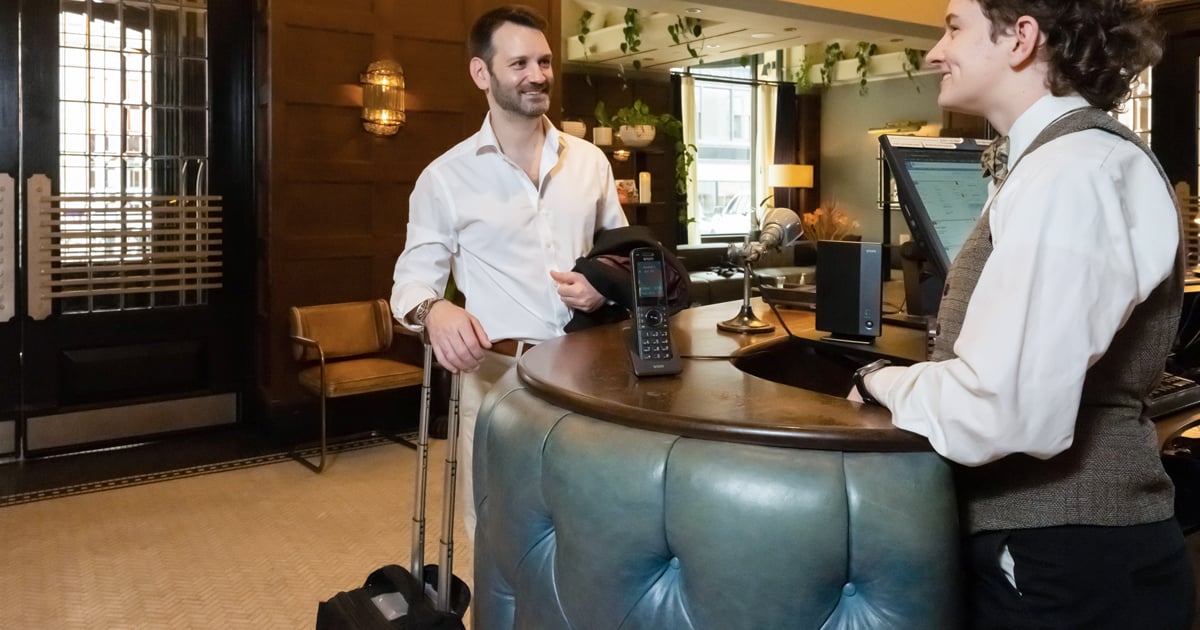
When hotels plan a renovation, brand conversion, ownership change, or property refresh, the most visible upgrades often get the most attention.
New flooring. Updated furniture. Better lighting. Modernized bathrooms.
But some of the most important decisions are smaller and more operational: guest room phones, front desk phones, administrative phones, and guest room thermostats.
These systems may not be flashy, but they support everyday hotel moments:
- A guest calling the front desk
- Staff transferring a call quickly
- Maintenance responding to a comfort issue
- A guest adjusting the room temperature
- A manager trying to reduce repeat service calls
Before replacing hotel phones or thermostats, owners and operations teams should ask one practical question:
Will this upgrade make the property easier to operate?
Use this checklist to evaluate hotel room technology before making replacement decisions.
Why Review Guest Room Technology Before a Refresh?
A renovation or property refresh is the right time to review room technology because the hotel is already making decisions about:
- Room layout
- Brand standards
- Wiring and infrastructure
- Installation timelines
- Purchasing budgets
- Long-term maintenance
However, replacing devices only because they are old can lead to missed opportunities.
Some systems may still work well. Others may be creating hidden problems through guest complaints, staff workarounds, or repeated maintenance requests.
Before buying new devices, review three things:

Guest experience
Is the device easy for guests to use?

Staff workflow
Does it help the team respond faster?

Operational reliability
Will it be easy to maintain and support?
This is especially important for hotel guest room phones, front desk phones, and thermostats because they affect both guest satisfaction and day-to-day operations.
Checklist
What to Review Before Replacing Hotel Guest Room Phones
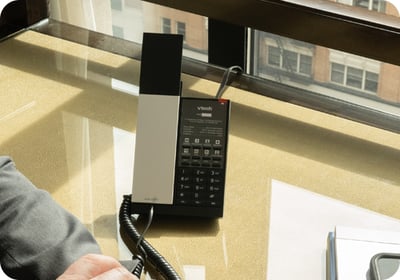 Guest room phones still serve important functions in many hotels. They often support front desk access, emergency calling, wake-up calls, housekeeping requests, room service, and brand-standard requirements.
Before replacing guest room phones, check the following:
Guest Use
- Can guests easily reach the front desk?
- Are emergency calling functions clear and reliable?
- Are speed-dial buttons labeled correctly?
- Are outdated services or department names still listed?
- Is the phone easy to find from the bed or desk?
Device Condition
- Are handsets, cords, buttons, or faceplates worn?
- Are guests or staff reporting call quality issues?
- Are some phones missing labels or inserts?
- Are replacement parts becoming harder to source?
System Compatibility
- Will the phones work with the existing phone system?
- Is the property planning a PBX or communications system change?
- Are there brand requirements for guest room phones?
- Will programming or labeling need to change after installation?
A guest room phone refresh should not be treated as a simple device swap. The phone should support how guests actually contact the hotel during their stay.
Checklist
What to Evaluate in Front Desk and Administrative Phones
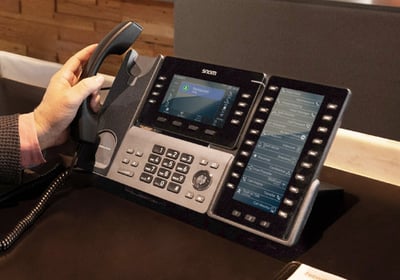 Front desk and administrative phones have different requirements than guest room phones.
These phones are used constantly by staff, often during busy or high-pressure moments. The goal is not just to have a working phone. The goal is to help staff communicate quickly and clearly.
Hotels should also look for workarounds. If staff rely on handwritten extension lists, sticky notes, or extra steps to transfer calls, the phone setup may not match the property’s workflow.
A front desk phone should help the team move faster, not slow them down.
Checklist
What to Consider Before Upgrading Guest Room Thermostats
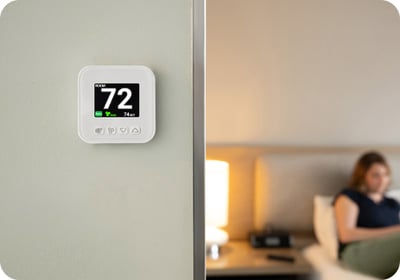 Guest room thermostats directly affect comfort, room readiness, maintenance calls, and guest satisfaction. A thermostat problem can quickly become a front desk problem.
Before replacing guest room thermostats, review these areas:
Guest Comfort
- Is the thermostat easy to understand?
- Can guests adjust the temperature without calling the front desk?
- Is the display clear?
- Are the controls simple for different types of guests?
Maintenance
- Are certain rooms generating repeat comfort complaints?
- Are thermostat issues actually HVAC issues?
- Is the thermostat easy for maintenance teams to access and service?
- Are wiring or placement issues affecting performance?
Property Goals
- Does the thermostat support the hotel’s comfort expectations?
- Is energy management a priority?
- Will the thermostat work with the existing HVAC system?
- Will installation disrupt room availability?
Hotels should avoid assuming that every comfort complaint means the thermostat needs to be replaced. The issue could be the device, the HVAC system, sensor placement, wiring, or guest confusion.
A proper review helps the property solve the right problem.
Why Phones and Thermostats Should Be Viewed Together
Phones and thermostats may seem unrelated, but they often connect through hotel operations.
For example:
- A guest cannot adjust the thermostat.
- The guest calls the front desk.
- The front desk contacts maintenance.
- Maintenance visits the room.
- The issue affects the guest experience and staff workload.
The same pattern happens when a guest room phone is unclear, unreliable, or programmed incorrectly.
Small technology issues can create larger operational friction. That is why hotels should evaluate phones and thermostats as part of the same room technology refresh. Both systems affect how smoothly the property runs.
The best hotel technology refresh decisions are not based only on age, appearance, or price. They are based on how well each device supports the daily moments that matter: a guest calling for help, staff responding quickly, maintenance resolving comfort issues, and owners protecting long-term value.
FAQ
Do hotels still need guest room phones?
Yes. Many hotels still use guest room phones for front desk access, emergency calling, wake-up calls, service requests, room-to-room communication, and brand-standard requirements. Even when guests use mobile phones, the in-room phone remains an important connection point between the guest and the property.
When should a hotel replace guest room phones?
Hotels should review guest room phones during renovations, ownership changes, brand conversions, recurring maintenance issues, phone system changes, or when existing devices no longer support guest and staff needs.
What should hotels look for in front desk phones?
Hotels should look for clear audio, durable construction, easy call handling, intuitive buttons, speed-dial support, compatibility with the property’s phone system, and workflows that help staff transfer calls and reach departments quickly.
Why include thermostats in a room technology refresh?
Thermostats affect guest comfort, maintenance calls, room readiness, and energy management. Reviewing thermostats alongside phones and other in-room systems helps hotels make more complete renovation and operations decisions.
What is the biggest risk when replacing hotel room technology?
The biggest risk is choosing devices without considering daily operations. A product may look suitable on paper but create problems if it is difficult for guests to use, hard for staff to support, or incompatible with the property’s systems.